How to Automate Paystack to Google Sheets

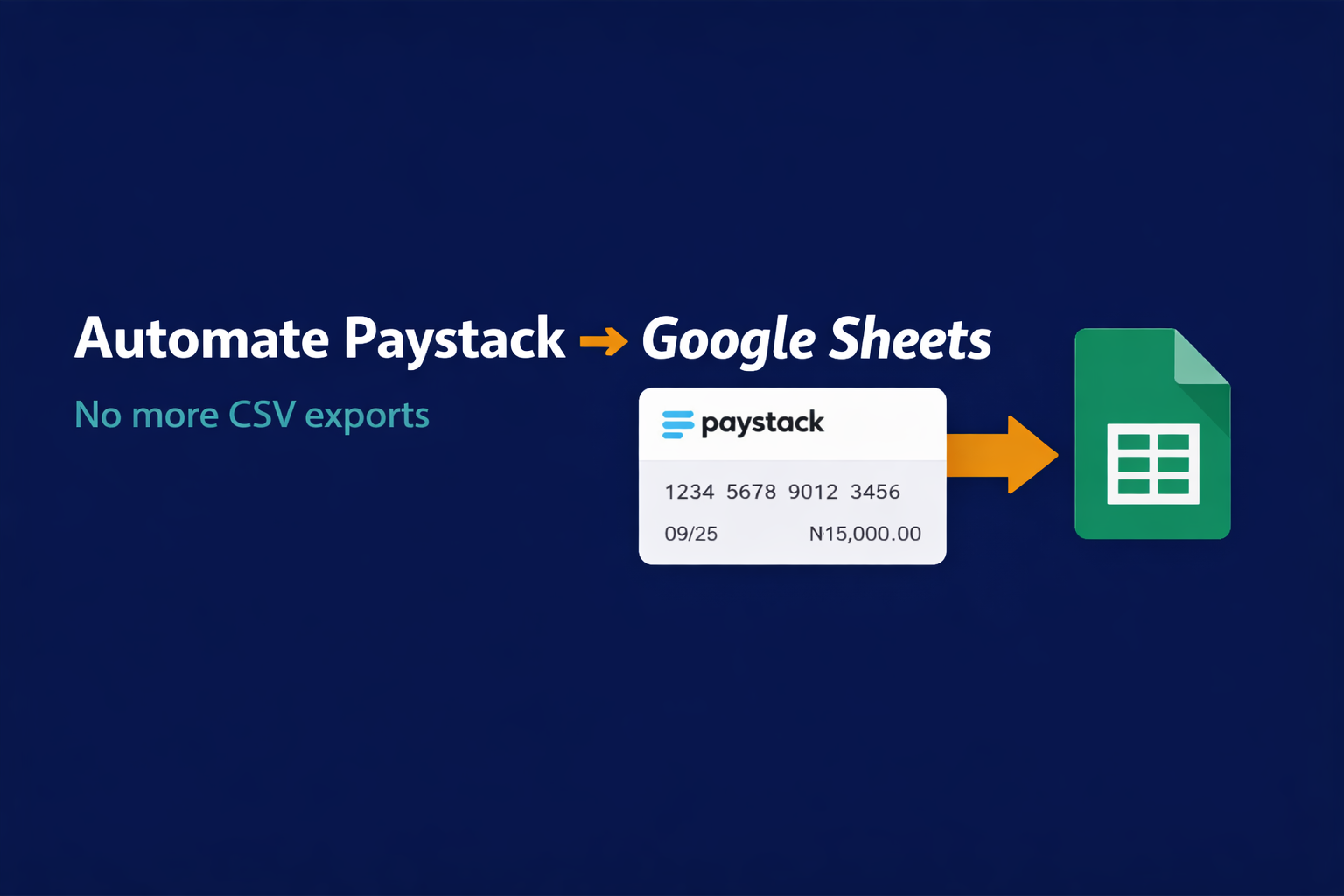
How to Automate Paystack to Google Sheets (Step-by-Step for Businesses)

Introduction

If you take payments with Paystack, you already know the pain.

Every week (or every day if you are serious), you log into your Paystack dashboard, click “Export,” download a CSV, open it, clean it, then paste it into your reporting spreadsheet. Maybe you forward some of it to your accountant. Maybe you reconcile it with your orders. Maybe you calculate how much to pay in tax.

Now imagine if every successful Paystack payment landed in your Google Sheet automatically, the moment it happened, with the customer name, email, amount, reference, and product — no downloads, no copy-paste, no delays.

That is exactly what we are going to build in this post. And it takes about 20 minutes.

What You Will Need

  1. A Paystack account (live or test keys)
  2. A Google account with a Google Sheet ready
  3. An n8n account (free self-hosted or cloud trial)

That is the entire stack. Total monthly cost: ₦0 if you self-host n8n.

Step 1: Prepare Your Google Sheet

Create a new Google Sheet called “Paystack Payments Live” with these column headers in Row 1:

Date | Customer Name | Email | Amount (₦) | Reference | Status | Channel | Product

Keep it open — we will connect it in a minute.

Step 2: Create a Webhook in n8n

In your n8n dashboard, create a new workflow and add a Webhook node as the trigger. Set the method to POST and copy the production URL n8n gives you. It will look something like:

https://your-n8n.com/webhook/paystack-payment

This is the URL Paystack will call every time a payment happens.

Step 3: Register the Webhook in Paystack

Log into your Paystack dashboard, go to Settings → API Keys & Webhooks, and paste the n8n webhook URL into the “Webhook URL” field. Save.

From this moment on, every successful charge, failed transaction, or refund on your account will POST data to your n8n workflow in real time.

Step 4: Filter for Successful Charges Only

Back in n8n, add an IF node after the webhook. Set the condition to:

{{$json["event"]}} equals charge.success

This makes sure you only log actual completed payments, not failed attempts or test pings.

Step 5: Extract the Data You Care About

Add a Set node (or use expressions directly) to pull the fields you need out of Paystack’s webhook payload:

  • Date: {{$json["data"]["paid_at"]}}
  • Customer Name: {{$json["data"]["customer"]["first_name"]}} {{$json["data"]["customer"]["last_name"]}}
  • Email: {{$json["data"]["customer"]["email"]}}
  • Amount: {{$json["data"]["amount"] / 100}} (Paystack sends amounts in kobo — divide by 100 for naira)
  • Reference: {{$json["data"]["reference"]}}
  • Status: {{$json["data"]["status"]}}
  • Channel: {{$json["data"]["channel"]}}
  • Product: {{$json["data"]["metadata"]["product_name"]}} (if you pass metadata when initializing payments)

Step 6: Append to Google Sheets

Add a Google Sheets node, authenticate with your Google account, select your “Paystack Payments Live” sheet, and choose the Append Row operation. Map each column to the matching variable from Step 5.

Step 7: Activate the Workflow

Click Activate in the top right of n8n. That is it. You are done.

From now on, every single Paystack payment — whether it comes from your website, your payment link, or your checkout — will flow into your Google Sheet in real time.

Bonus Automations to Stack on Top

Once you have this base flow running, you can extend it in minutes:

  • Daily revenue summary on WhatsApp: At 8am every morning, n8n reads yesterday’s rows and sends you the total on WhatsApp
  • Instant alert for large payments: When any single payment is above ₦100,000, send an immediate WhatsApp notification
  • Auto-issue receipts: Generate a branded PDF receipt and email it to the customer the moment their payment clears
  • Accountant copy: Forward every payment summary to your accountant’s email weekly or monthly
  • Failed payment follow-up: Detect failed charges and automatically send the customer a retry link

Each of these is another 10 to 30 minutes of work inside the same n8n workflow.

Why This Matters for Your Business

Manual payment tracking is not just annoying — it is expensive. It costs you hours every week, introduces human error into your accounting, delays your decisions, and makes tax season a nightmare.

A 20-minute automation replaces all of that permanently. Once built, it runs forever. No babysitting. No CSV exports. No forgotten entries.

Want This Built for You — Along With a Full Accounting Automation?

If Paystack is only one of the tools you use (maybe you also have Flutterwave, WooCommerce, Shopify, or invoices from Wave) and you want everything flowing into one clean reporting dashboard automatically, this is one of the most common projects I build for Nigerian businesses.

👉 Request your free automation plan and I will map out exactly how to connect your entire payment stack.
n8n vs Zapier: Why We Build on n8n

n8n vs Zapier: Why We Build on n8n

Introduction

Every business has them — the tasks that eat hours every week without requiring a single creative thought. Copying form submissions into spreadsheets. Sending the same follow-up emails. Updating records one by one. Checking inboxes manually for leads that should have been routed automatically ten minutes ago. You already know these tasks should be automated. The real question is: which tool gives you the best results without draining your budget?

Most people start with Zapier. It’s familiar, it’s simple, and it works — at first. But there’s a cost structure hiding behind that simplicity that becomes impossible to ignore once your business starts growing. And there’s a better approach that delivers more power, more flexibility, and dramatically lower costs.

At AI Workflow Automation, we build systems on n8n — and here’s why it matters for your business.

The Hidden Cost of “Simple”

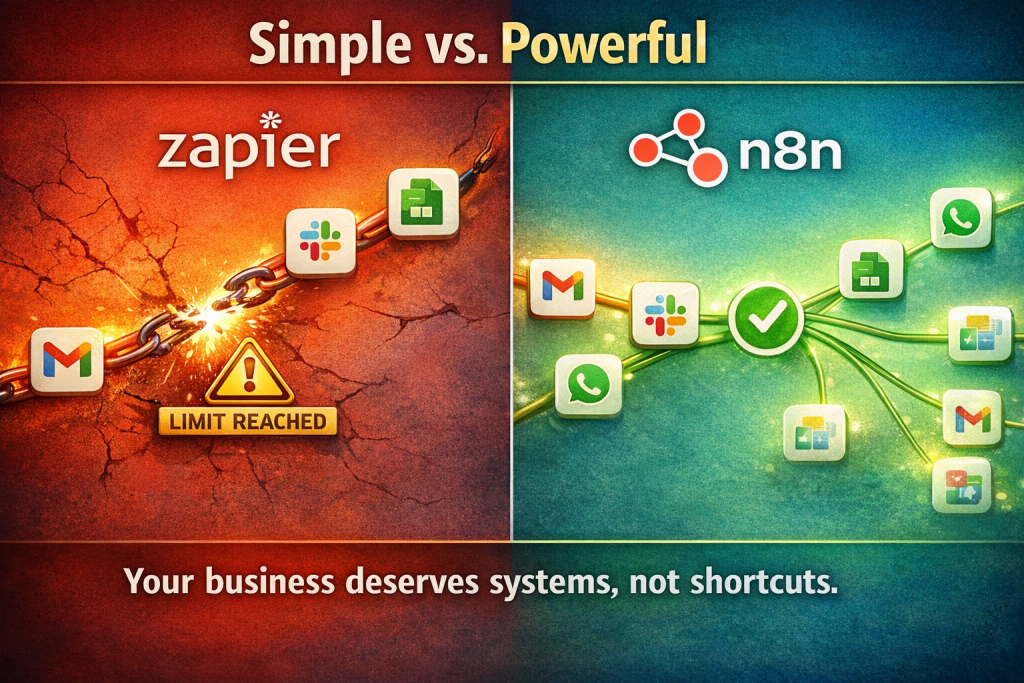
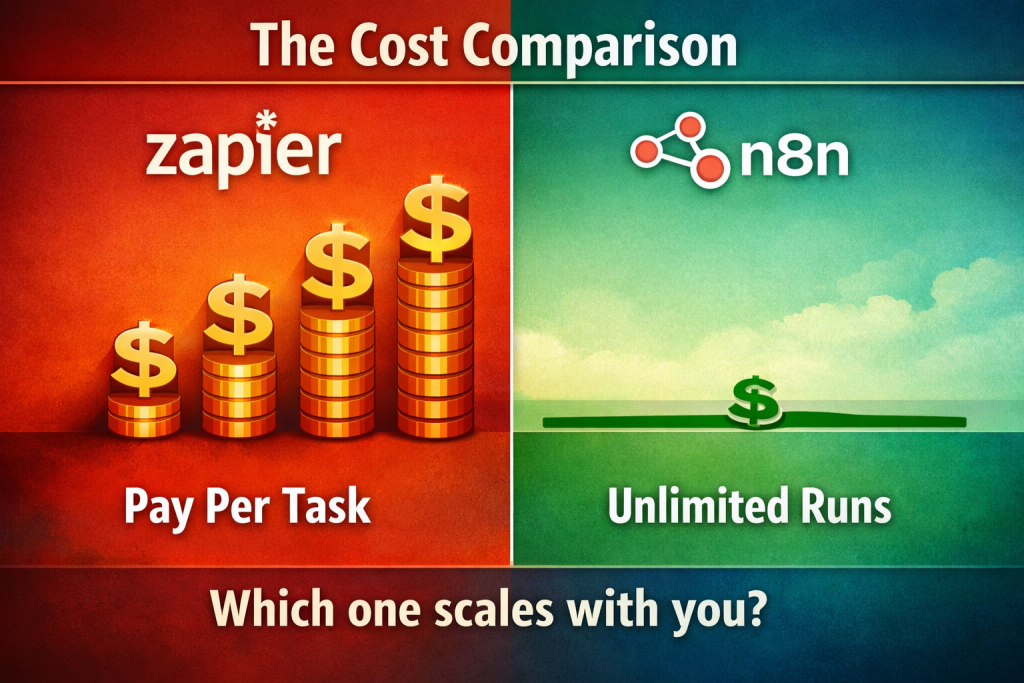
the cost comparison

Zapier’s appeal is real. You connect two apps, set a trigger, and things happen. No code, no fuss.
But here’s what most businesses discover only after they’re locked in: Zapier charges per task.

Every single time a workflow runs — every email routed, every row added, every message sent — that’s a billable action. A workflow that processes 50 orders a day doesn’t just cost you the subscription. It costs you per execution, and that number climbs month after month as your business grows. This creates a perverse incentive. The more successful your automation becomes, the more expensive it gets to run. That’s not efficiency — that’s a tax on growth.

And the limitations go deeper than pricing. Zapier’s branching logic is constrained. Complex conditions, loops, error recovery, sub-workflows — the things you need once your automation moves beyond “if this, then that” — hit walls quickly.

What We Build With Instead

n8n is a free, open-source workflow automation platform that connects to over 400 apps out of the box — Gmail, Google Sheets, Slack, WhatsApp, Telegram, Notion, Airtable, WordPress, WooCommerce, and hundreds more. If a service has an API, n8n can connect to it.

Here’s how it compares to what you’re likely paying for now:

No per-task charges. Your automation costs stay flat regardless of volume. Whether your system processes 10 workflows a day or 10,000, the cost doesn’t move.

Full logic control. We build systems with multiple conditions, loops, error handling with automatic retries, and sub-workflows that call other workflows. This means your automation handles real business complexity — not just simple app connections.

Self-hosting option. Your data stays on your server. Your workflows run 24/7. No vendor lock-in, no surprise pricing changes.
Built-in AI integration. This is where things get powerful — and it’s a core part of what we deliver.

The AI Layer We Add to Every System

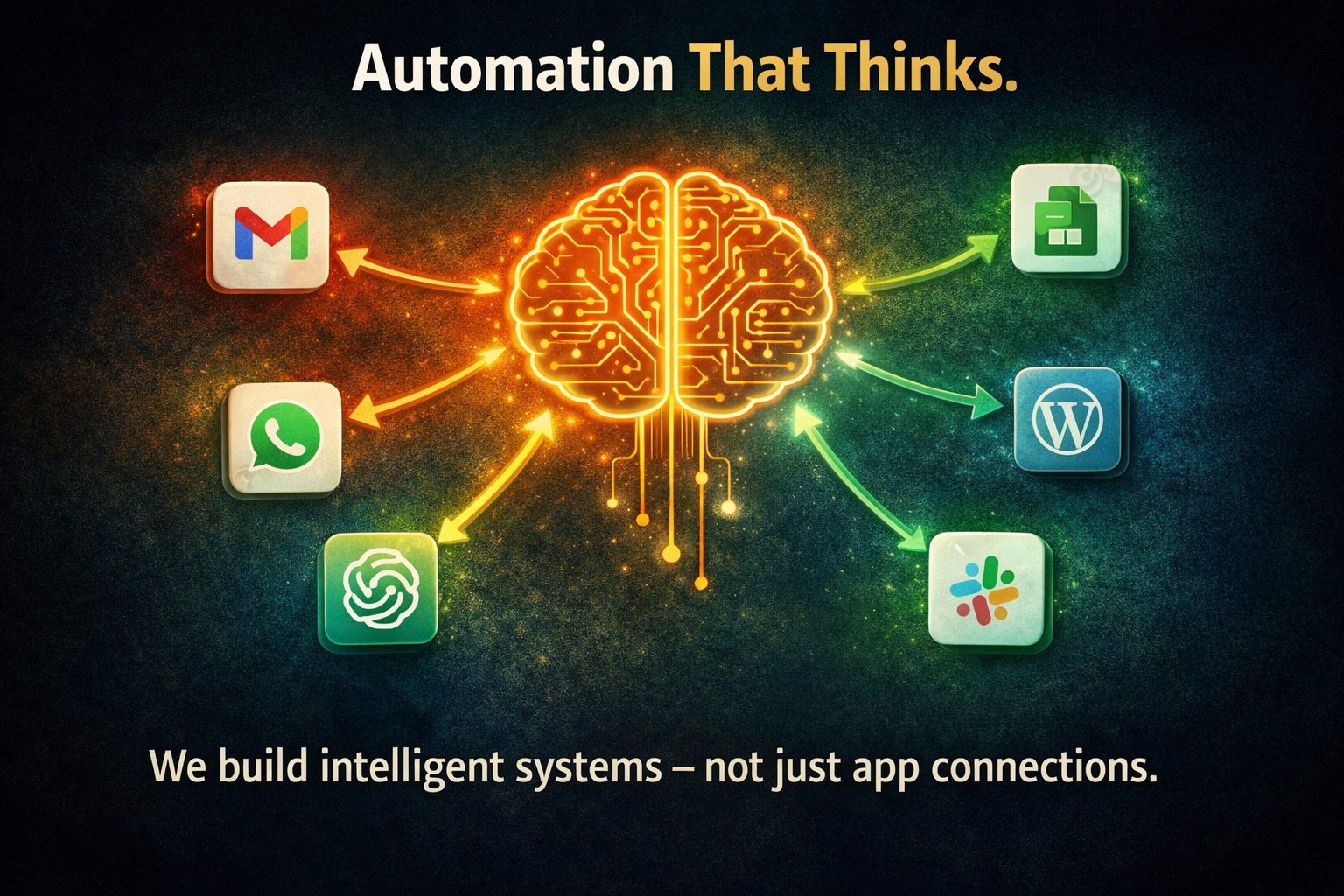
Modern automation isn’t just moving data between apps. At AI Workflow Automation, we wire ChatGPT, Claude, and other AI models directly into your workflows — so your systems can read, write, summarise, classify, and respond intelligently.

What does that look like in practice?

An email arrives. Your system reads it, understands the intent, drafts a contextually appropriate reply in your voice, and saves it as a draft — ready for one-click review. What used to take ten minutes per email now takes thirty seconds.

A customer submits an enquiry form. Your system passes the submission through an AI that generates a personalised response, logs the lead in your CRM, and sends a notification to your team — all in under a minute. A support ticket comes in. The AI reads the message, classifies its urgency, and routes it to the right person — before anyone on your staff has opened their inbox.
We don’t just connect your apps. We make your systems think.

What This Means for Your Business

Consider what changes when your automation runs on a system with no per-task billing and full AI integration:

Cost becomes predictable. Instead of watching your Zapier bill climb every month, you know exactly what your automation costs — and it stays there as you scale.

Every lead gets the same quality experience. The enquiry that comes in at 2 AM on a Sunday gets the same instant, personalised response as the one that arrives at 10 AM on a Tuesday. No lead goes cold because someone was busy.

Your team focuses on what matters. Copy-pasting, manual notifications, repetitive data entry — all gone. Your people work on the things that actually grow the business.

The system monitors itself. We build error handling into every system we deliver. Automatic retries when something fails temporarily. Instant alerts when something needs attention. Error logs that track every issue. You never discover three days later that a workflow was silently broken.

Who We Build This For

We work with businesses across every sector that have outgrown manual processes:

E-commerce stores — automated order processing, customer notifications, stock monitoring, and review collection.

Digital marketing agencies — automated client onboarding, campaign reporting, and lead routing.
Coaches and consultants — automated lead capture, booking sequences, and client communication.

Real estate businesses — automated property enquiry handling, follow-up sequences, and client notifications.

Healthcare and wellness — automated appointment reminders, patient follow-ups, and feedback collection.

Whether you’re currently using Zapier and hitting its limits, or you haven’t automated at all yet, we’ll design and build a system that fits your operations — not the other way around.

When Zapier Still Makes Sense

the breaking point

We’ll be honest: Zapier isn’t a bad tool. If you have very simple needs — connect two apps, run a handful of automations, and don’t mind the per-task model — it works fine.

But the moment your business becomes serious about automation — the moment you need systems rather than shortcuts — you need infrastructure that can grow with you without punishing you financially for that growth. That’s what we build.

How It Works

Getting started is straightforward:

  1. You tell us what’s eating your time. We start with a conversation about your operations — where the manual work is, what tools you’re using, and what’s falling through the cracks.
  2. We design your automation system. We map out exactly what needs to happen, which apps need to connect, and where AI can add intelligence to the process.
  3. We build, test, and deploy. You get a working system — with error handling, monitoring, and documentation — ready to run 24/7.
  4. We support it. Workflows need maintenance. Credentials expire, APIs change, and businesses evolve. We offer ongoing support to keep everything running smoothly.

Final Thought

Automation should reduce your cost, not increase it. It should free your time, not limit your growth. And it should get smarter over time, not just faster. That’s what we build at AI Workflow Automation — systems that run your operations automatically, intelligently, and at a cost that makes sense as you scale.

Ready to stop paying per task and start building systems that grow with you?


Get Your First Automation Built
Or reach out directly:

📩 Email: 👉 mailto:support@aiworkflow.com.ng
📱 WhatsApp: 👉 https://wa.me/2348053866663